How to Connect ChatGPT or Claude to a Headless CMS
July 27, 2026 · Updated August 7, 2026
July 27, 2026 · Updated August 7, 2026
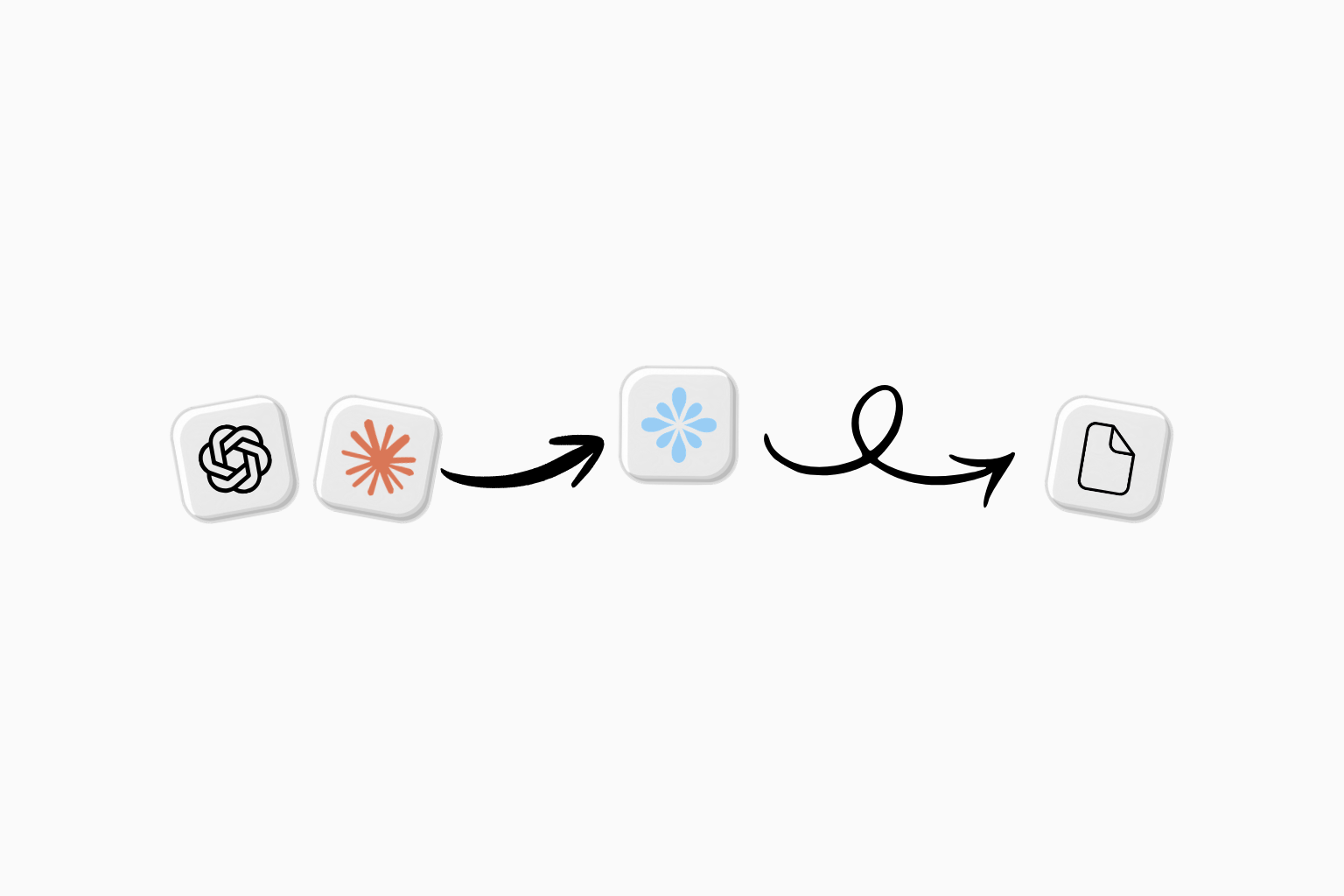
How do you connect ChatGPT to a headless CMS? Connect Bloomiro MCP in ChatGPT (or Claude), pick your Bloomiro project, then create, edit, and publish pages through CMS tools. The site frontend stays yours; Bloomiro stores structured content.
Bloomiro ships a headless CMS that lets you create, edit, and publish website content directly from AI clients like ChatGPT, Claude, or any other MCP-compatible tool.
mcp.bloomiro.com/mcp.The goal is simple: reduce the friction between finding a content opportunity and publishing the page that solves it. Instead of moving between AI tools, documents, CMS dashboards, and manual handoffs, you can manage website content through the workflow you already use.
Bloomiro CMS is a headless content management system designed for modern AI workflows. Your content is stored separately from your website frontend, which means your site controls how content looks while Bloomiro manages the structured content behind it.
Because the CMS is connected through MCP, AI assistants can work with your website content system. They can understand your page structure, create drafts, update content fields, and prepare pages for publishing.
Traditional publishing often requires several steps. A team finds an idea, writes a brief, creates content, uploads it into a CMS, adds metadata, and waits for deployment.
Bloomiro connects these steps into one workflow. You can ask an AI assistant to create a page, the assistant can use Bloomiro through MCP, and the result becomes a structured draft inside your website content system.
You still control what goes live. AI helps with execution, while your team reviews and approves the final content.
Bloomiro started by helping companies understand their visibility across Google and AI search. We help identify where brands are missing opportunities, which topics competitors cover, and what content can improve visibility.
But finding an opportunity and acting on it were separate processes. Teams often discovered what needed to be created but then had to move the work into another tool before publishing.
Bloomiro CMS closes that gap. The same workflow that helps identify improvements can now help create and publish the content needed to address them.
MCP, or Model Context Protocol, allows AI applications to connect with external tools. Instead of an AI assistant only generating text, it can interact with connected systems.
With Bloomiro, this means an MCP-compatible AI client can work with your CMS. It can create pages using your site's structure, update content, and help manage publishing workflows.
Teams can use ChatGPT, Claude, or other compatible AI tools to create and manage content. This is useful for creating blog posts, comparison pages, landing pages, and other website content.
You can also use Bloomiro directly without an AI client. The editor gives you full control over drafts, pages, SEO fields, and publishing.
Search is changing. Websites now need to perform in traditional search engines and increasingly in AI answer systems.
The fundamentals remain similar: useful content, clear structure, strong answers, and pages that genuinely help users.
Bloomiro connects content creation with visibility workflows so teams can discover opportunities, create improvements, and publish faster.
No. Bloomiro is not designed to replace every existing CMS. Instead, it focuses on a different workflow: connecting AI tools, website content, and search visibility improvements in one system.
Teams can choose the workflow that fits them best, whether that is editing manually in Bloomiro or using AI assistance through MCP.
Connect Bloomiro MCP in ChatGPT, choose your project, then use CMS tools to create drafts, edit pages, and publish. Bloomiro CMS is headless, so your frontend stays separate while content is managed in ChatGPT, Claude, or the Bloomiro editor.
Add Bloomiro's MCP server in Claude's connector settings, authorize it, then select your project. Claude can then create, edit, and publish pages using the same CMS tools available in ChatGPT and the Bloomiro dashboard.
No. Bloomiro CMS works through its own editor. AI clients are an optional way to create and manage content faster.
MCP allows AI clients to connect with external tools. In Bloomiro, it enables AI assistants to interact with your CMS workflow.
Yes. Content is separated from the frontend, giving teams flexibility in how their website is built and displayed.
Start with a free homepage check, then connect your site in Bloomiro to track AI mentions, compare competitors, and track actions in Action Center that your team can ship.