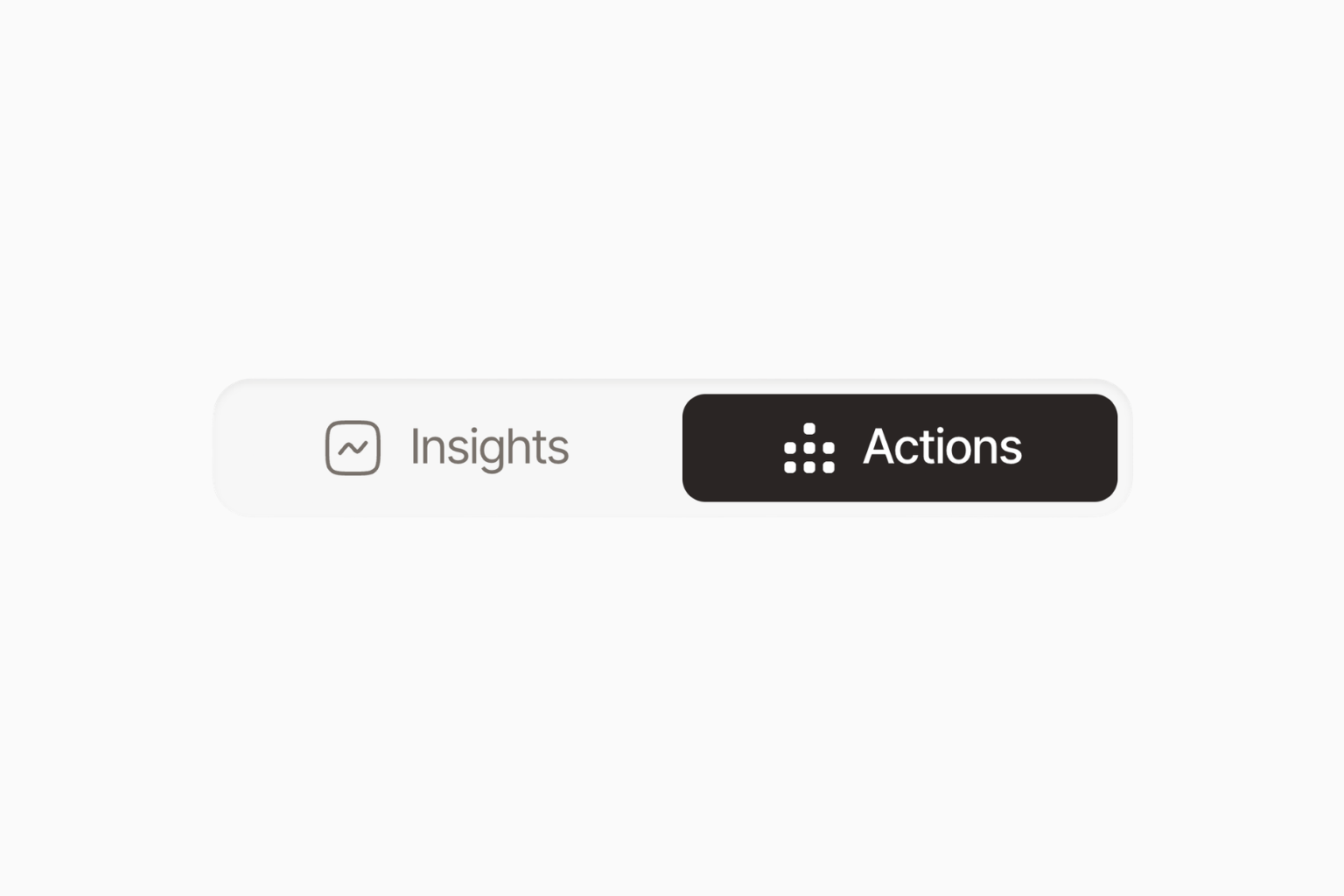
Bloomiro has two ways to work with your SEO and AI visibility data: Insights and Actions. Insights shows you what is happening. Actions connects the evidence, helps you decide what matters, and helps get the next thing done.
That is the short answer. Insights is where you look. Actions is where things get done.
Quick answer: Actions vs Insights
| Insights | Actions | |
|---|---|---|
| Main purpose | See and manage the data | Understand the data and move priorities forward |
| Best for | Checking a metric, scan, connection, or result | Asking a question across several tools |
| How you use it | Open the tool you need | Ask Actions about your site in normal language |
| What it can do | Show source data and controls | Read, connect, analyze, recommend, and execute supported actions |
| Relationship | The direct view into your site | The AI action layer that works with that site data |
Actions and Insights are not separate data systems. They use the same Bloomiro site data. You choose the way you want to work at that moment.
What is Bloomiro Insights?
Insights is Bloomiro's tool-by-tool workspace. It is the place to view, inspect, connect, and manage the information behind your site's visibility.
Depending on what you have connected, Insights includes:
- Google Search Console performance, including queries, pages, clicks, impressions, CTR, and average position
- Site scans that show technical and content readiness issues across your site
- Page scans for a closer look at one page, its content, and its opportunities
- Competitor visibility, content coverage, and gaps between your site and tracked competitors
- AI prompts that measure mentions, citations, competitors, and answer visibility
- Community Sources that show the third-party pages AI systems cite in answers
- CMS pages and supported publishing controls
Insights is useful when you want to be hands-on. You can connect Google Search Console, add competitors, create prompt groups, run scans, inspect a page, or review the exact source behind a recommendation.
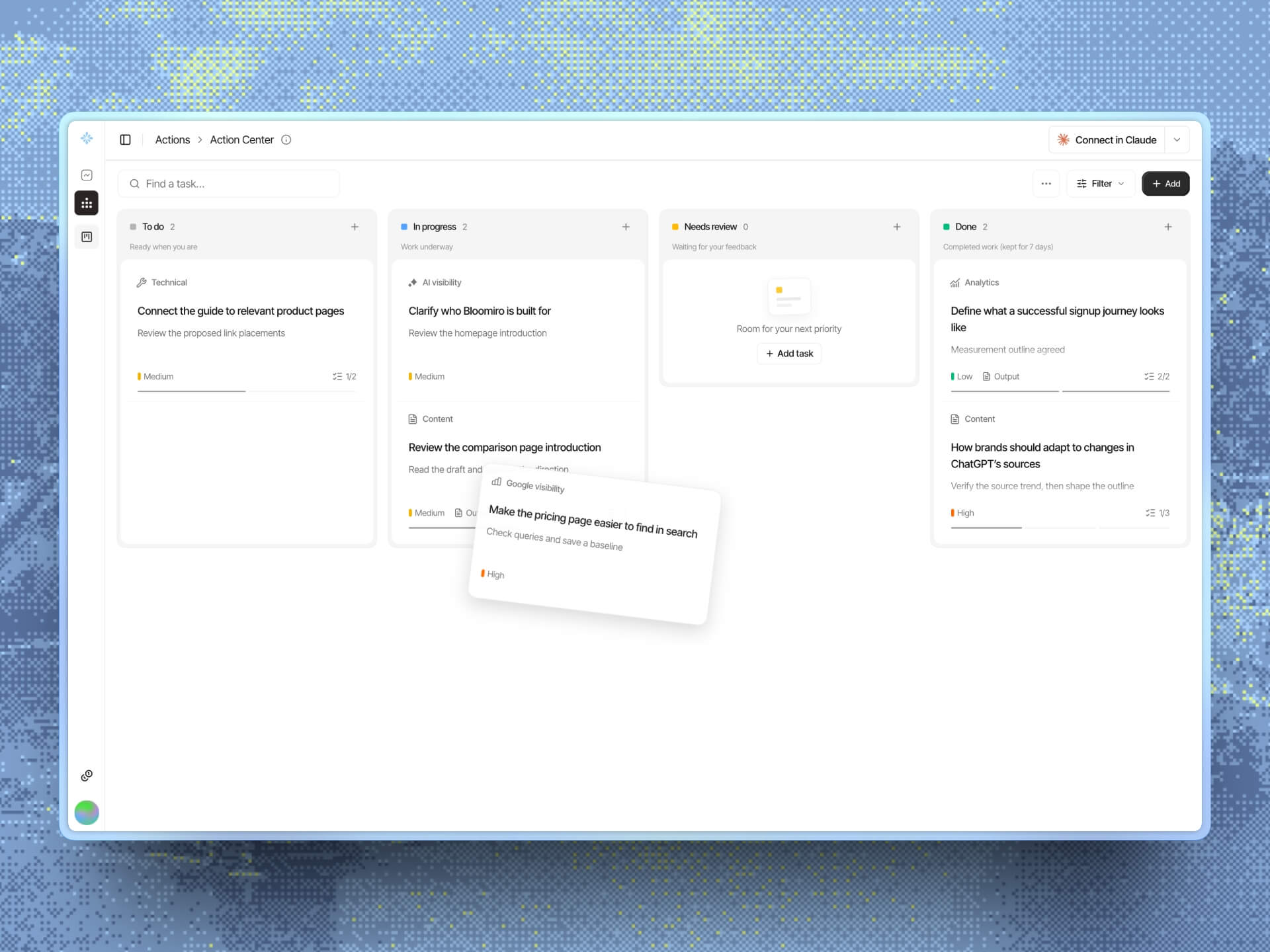
Action Center now lives in Actions, where you and your agent can keep chosen work moving on a shared board. Read how to turn SEO and AI visibility insights into progress.
It is also useful when you want to verify something. If Actions says a page has impressions but very few clicks, Insights lets you open the Search Console view and check the page. If Actions says competitors are appearing in answers where your site is missing, Insights lets you open the prompt results and see the measured checks.
You do not have to use every tool. Insights is available when you want the direct view, but you can also go straight to Actions and ask it to bring together the relevant parts.
What is Bloomiro Actions?
Actions is the AI for your site inside Bloomiro. It has access to your site's visibility data and the tools connected to it.
Actions can read your Google performance, scans, AI answers, citations, competitors, Community Sources, web analytics, CMS, and Action Center. It connects those pieces, analyzes what they mean together, and helps decide what deserves attention.
You can ask Actions questions such as:
- Which pages can I push to page 1?
- Where am I losing visitors?
- What are competitors beating me on?
- Does ChatGPT mention my site?
- What should I write next?
- Why did my traffic drop?
- What are my quick wins?
- Who recommends competitors but not me?
Actions investigates the question, finds the relevant evidence, explains what it means, and suggests the next move. When you ask it to, Actions can also run supported analyses, update Action Center items, manage prompts and competitors, work with page scans, and make supported CMS changes.
Actions is not a general AI assistant with a blank chat box. It is connected to the actual visibility system for your site, your competitors, and your content. It can move from evidence to a decision and, when you authorize it, from a decision to an action.
That difference matters. A general AI tool can explain SEO or AI search visibility in general. Actions can look at your site's Search Console performance, your tracked competitors, your saved prompts, your scan results, and your open Action Center items, then reason over those details together.
How Actions helps with SEO visibility
SEO visibility is not one number. It includes the pages that appear in Google, the queries that bring impressions, the clicks those pages earn, the positions they hold, and the technical and content conditions that may affect their ability to compete.
Actions can help connect those layers.
For example, you might ask:
Which pages are close to page 1 and have enough impressions to be worth improving?
To answer that well, Actions may need to look at Google Search Console performance, page data, and the relevant site or page insights. The point is not to give you a generic SEO checklist. The point is to identify an opportunity on your site and explain why it deserves attention.
Actions can help you investigate:
- Pages with impressions but too few clicks
- Queries where a page is close to stronger visibility
- Traffic or ranking changes that need an explanation
- Pages with technical or content issues
- Topics or pages competitors cover more clearly
- Content opportunities that should be tested against real demand
Insights remains important because it gives you the underlying Google data and scan details. Actions makes it easier to ask the question that crosses those sources.
How Actions helps with AI visibility
AI visibility is also more than asking whether a brand was mentioned once. It can involve prompt coverage, mention rate, where a brand appears in an answer, citations, sentiment, competitors, and the third-party sources that AI systems use.
Actions can help you ask questions such as:
Does ChatGPT mention my site, and which competitors appear when I am missing?
Actions can read your saved AI presence results and compare your site with tracked competitors across the prompts and models you have measured. It can also use Community Sources to show whether answers are drawing from Reddit, YouTube, Wikipedia, review sites, LinkedIn, or other tracked platforms.
This helps turn a broad question such as “How do I improve AI visibility?” into a more useful one:
Which buyer prompts mention competitors but not my site, and what evidence explains the gap?
The answer still depends on the prompts, models, locale, and completed runs you have configured. Actions should make those limits clear. It should not claim that one result proves how every AI system sees your brand.
One site, two ways to work
Insights and Actions use the same Bloomiro project. Insights gives you the direct view. Actions gives you the connected view.
Imagine that one of your pages gets attention from Google but very few visitors.
In Insights, you can open Search Console, inspect the page, review its scan, and compare related competitor coverage yourself.
In Actions, you can ask:
Which pages are getting attention from Google but not enough clicks, and what should I change first?
Actions can connect the relevant data, compare the options, and give you a grounded next step. You can open Insights to verify the details or stay in Actions and ask it to continue.
The same pattern works for competitor research, AI citations, content planning, and Action Center experiments. Insights lets you follow the evidence manually. Actions helps you cross the distance between a question and a decision.
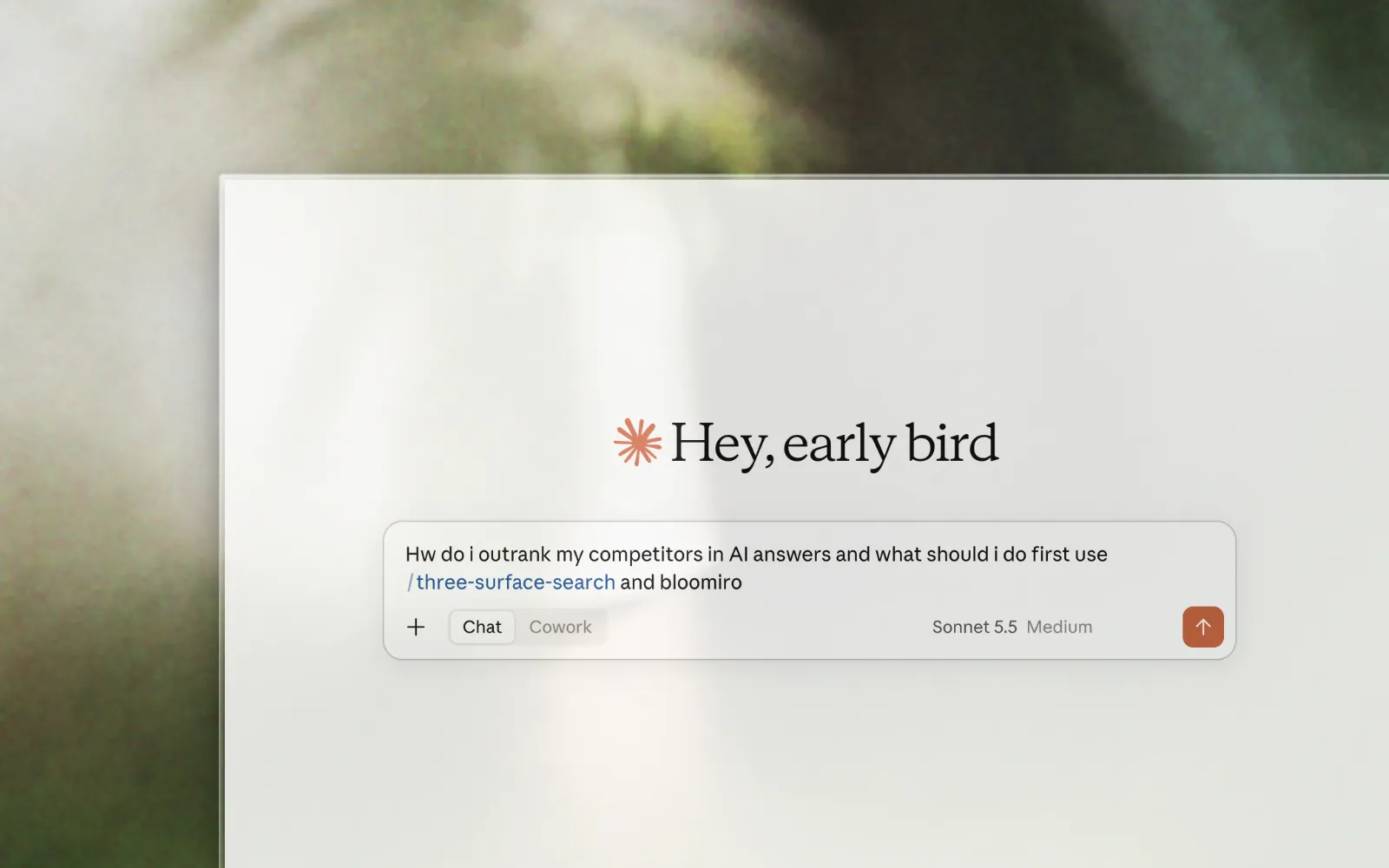
Actions is built around your site, not a blank chat box
With a general AI tool, you have to explain your company, your site, your competitors, and your data before you can get useful advice.
Actions starts with the Bloomiro site you already opened. It knows which data is connected, which competitors are tracked, and how fresh the available evidence is.
If a source is not connected, Actions tells you. It does not pretend that a crawl score is a Google ranking or that an AI readiness score proves ChatGPT will cite your site. Insights remains available when you need to connect missing data or verify an important detail.
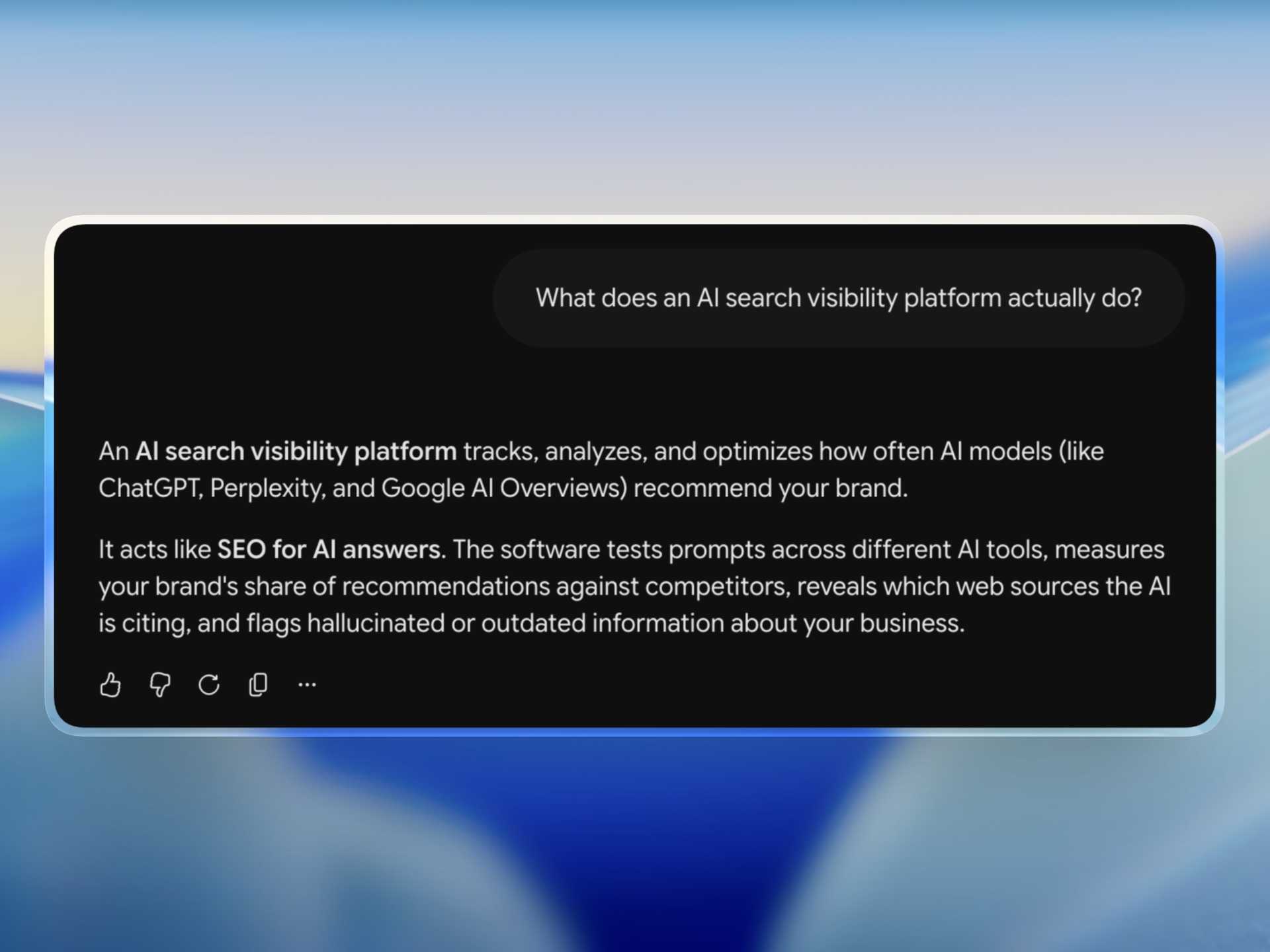
This is one of the main reasons Actions is different from simply opening ChatGPT. ChatGPT may help you think about a marketing problem, but it does not automatically have your private Search Console data, tracked competitor scans, saved AI prompt checks, site scans, Action Center, or CMS. Actions is designed around those connected sources.
It is not meant to hide the data from you. It is meant to save you from assembling the context by hand every time you want an answer.
When to use Insights
Choose Insights when you want to:
- See the source data directly
- Inspect a scan or AI result in detail
- Connect Search Console or another data source
- Add competitors or create prompts
- Manage settings and tool-specific controls
- Make a change yourself
- Verify an important number or recommendation
Insights is the right place when transparency and direct control matter most.
When to use Actions
Choose Actions when you want to:
- Ask a question in normal language
- Combine data from several Bloomiro tools
- Find out what deserves attention first
- Understand why a competitor is ahead in a specific area
- Turn an insight into an Action Center item
- Ask Bloomiro to run a supported analysis
- Ask Bloomiro to carry out a supported change
Actions is the right place when you want to move from information to a decision or from a decision to action.
The Bloomiro standard
Insights gives you the numbers, sources, controls, and detail. Actions connects the evidence, helps you decide what matters, and can execute supported actions when you ask it to.
This is the standard we are building at Bloomiro. You should not have to choose between a dashboard full of numbers and a chat that knows nothing about your site. You can use the direct view when you want it, and you can use Actions when you want the visibility system to help you understand and act.
Choose Insights when you want to explore the data yourself. Choose Actions when you want Bloomiro to bring the evidence together and help move priorities forward. You can switch between them at any time.