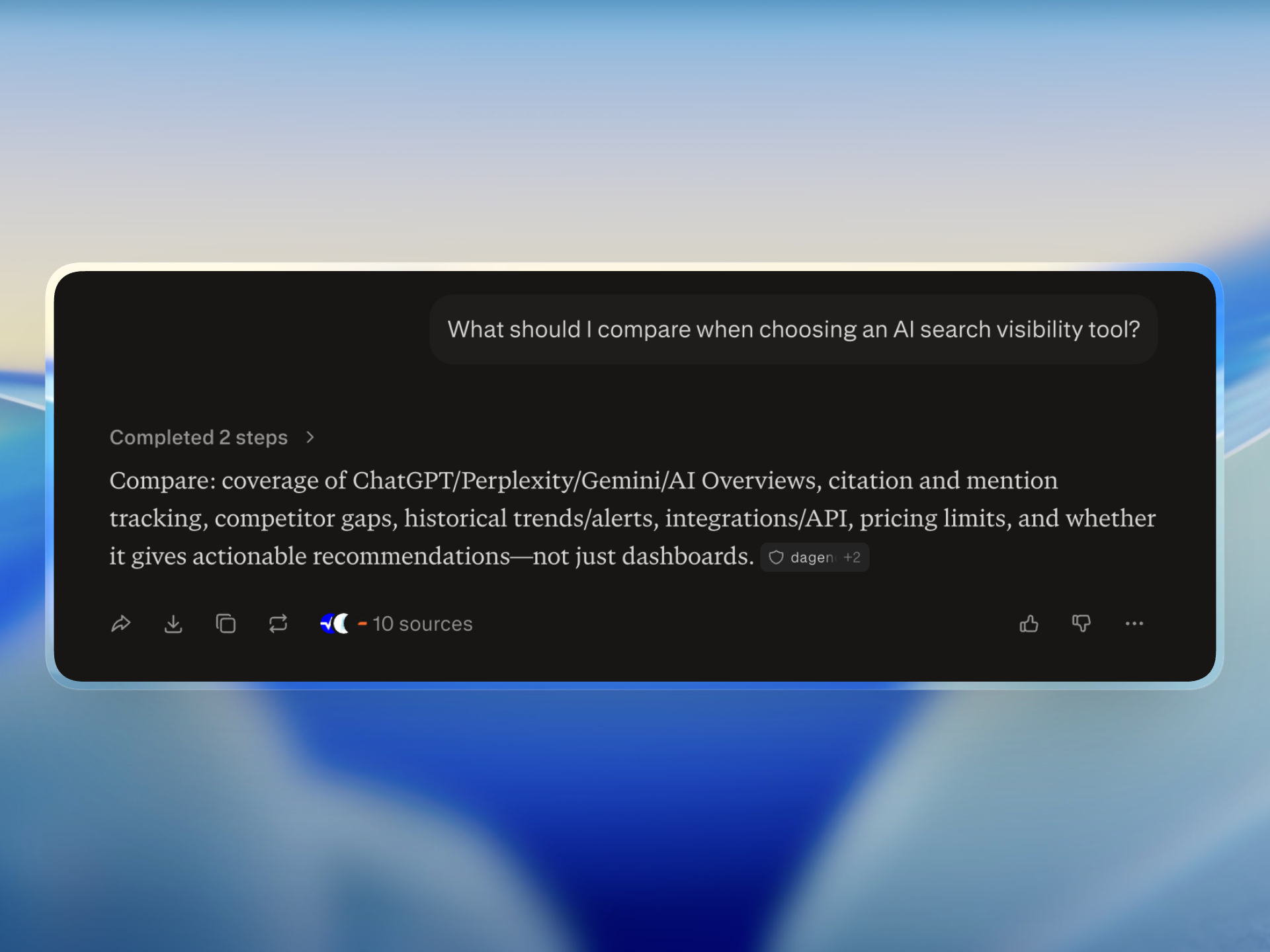
How do you choose an AI search visibility tool? Compare provider coverage, saved prompt limits, citation evidence, competitor tracking, Google Search Console context, and whether outputs become tasks you can ship. For a current vendor shortlist, see the best AI search visibility tools for brand mentions and GEO.
An AI visibility dashboard can look impressive while answering very little. A percentage goes up, a competitor appears in red, and nobody knows what to change on Monday.
Evaluate AI search visibility tools by the decisions they support. The right product should tell you what was asked, which model answered, whether your brand appeared, which competitors won, what sources were cited, and what evidence points to the next action.
Define the job before comparing AI visibility tools
Teams usually need one or more of these jobs:
- Monitor brand mentions across AI answers
- Compare competitors on buyer prompts
- Find the sources models repeatedly cite
- Connect AI presence with Google search performance
- Diagnose page-level SEO and machine-readability problems
- Turn findings into actions for writers and developers
A tool optimized for executive reporting may be weak for implementation. A content optimizer may help rewrite an article but provide little prompt history. A broad SEO suite may have excellent keyword data and limited AI provider coverage.
Write down the job first. Then score products against it.
Check provider coverage and provider transparency
Ask which systems the tool actually checks. Common options include ChatGPT, Perplexity, Gemini, Google AI Overviews, Google AI Mode, Copilot, and Claude.
Coverage alone is not enough. Confirm:
- Whether results are separated by provider
- Whether provider failures are visible
- Whether the tool stores the answer or only a score
- Whether cited domains are retained
- Whether locale and country can be controlled
- Whether refresh frequency changes by plan
A combined score with no provider detail makes diagnosis difficult.
Inspect how prompts are organized
A useful platform should support saved prompt groups, exact prompt text, active and inactive prompts, categories, and repeatable runs.
Look for controls that prevent reporting noise:
- Stable prompt IDs
- Prompt grouping by market or intent
- Provider selection per run
- Run history
- Filters for brand mentions and competitor mentions
- A way to distinguish failed checks from non-mentions
Prompt limits matter less than prompt quality. Twenty well-designed prompts can support decisions. Two hundred generated variations can create false confidence.
Demand citation and competitor evidence
Mention rate is only the starting point. The product should show why the answer may have formed.
For each result, look for:
- Your brand mentioned or absent
- Competitors named in the answer
- Domains cited by the model
- A result preview or stored answer
- Sentiment, with the methodology explained
Citation data is especially important. If models rely on arXiv, editorial publications, directories, or partner documentation, the right response may be external distribution rather than another product page.
Evaluate historical comparisons carefully
AI outputs vary, so trends need context. A useful history view should preserve the prompt, provider, date, status, and result.
Ask whether the tool shows:
- Newly gained mentions
- Lost mentions
- Change by provider
- Change in competitor appearances
- Change in cited domains
- The previous run used for comparison
Avoid treating small score movements as statistically significant unless the prompt set and provider set stayed stable.
Connect AI presence with SEO evidence
AI visibility does not live outside search. Pages still need crawl access, clear metadata, internal links, useful copy, and external authority.
Google Search Console integration should expose real clicks, impressions, CTR, positions, queries, and pages. Stronger tools help you find:
- High-ranking pages with weak CTR
- Queries in striking distance
- Pages getting impressions for the target category
- New pages that need indexing and internal links
This prevents a common mistake: responding to every AI gap by publishing new content while existing pages already have search demand.
Look for page and competitor diagnostics
Prompt monitoring tells you the outcome. Page and competitor analysis help explain it.
A page scan should inspect titles, descriptions, headings, content depth, links, schema, authorship, social metadata, and machine-readable structure. A competitor crawl should show topic coverage and page-level evidence, not just a single domain score.
Be cautious with automated keyword gaps. Navigation, boilerplate, event listings, and unrelated content can produce noisy phrases. The tool should preserve evidence so a person can judge whether a theme represents real buyer intent.
Score actionability, not dashboard density
The best test is simple: can someone turn the output into a scoped task?
Good task:
Rewrite the title and description on a page because it ranks around position three with impressions and no clicks.
Weak task:
Improve online visibility.
Useful platforms attach the reason, source, impact, effort, URL or prompt, and supporting evidence. They also let teams mark actions open, in progress, done, or dismissed.
Review access, privacy, and cost controls
AI checks and crawls can use paid services. Before buying, confirm:
- What consumes credits
- Whether reading existing results is free
- Whether the expected cost is shown before a run
- How private and organization-visible items differ
- Whether API keys and OAuth connections are user-bound
- Whether exports or stored answers contain sensitive data
Multi-site teams should also verify project scoping. An assistant or integration should not silently switch sites based on a title or slug.
Test integrations in the workflow you already use
An export is useful for reporting. An integration is useful for execution.
If your team works in an editor or AI assistant, test whether the platform can expose live project data there. MCP can let Cursor, Claude, ChatGPT, Codex, and VS Code fetch scans, GSC opportunities, prompts, and tasks without copy-pasting reports.
The integration should preserve authorization and project scope. Convenience is not worth ambiguous access.
AI search visibility tool evaluation scorecard
| Area | Questions to ask |
|---|---|
| Providers | Which models are checked, and are failures visible? |
| Prompts | Can prompts be grouped, repeated, filtered, and compared? |
| Evidence | Are answers, citations, competitors, and sources available? |
| History | Can you see gained and lost mentions by run? |
| SEO context | Does it connect Search Console and page analysis? |
| Competitors | Can you inspect content and structural gaps? |
| Tasks | Does evidence become specific, prioritized actions? |
| Workflow | Can data reach the editor or assistant where fixes happen? |
| Governance | Are cost, privacy, and project scope explicit? |
Score each area from zero to two. Zero means absent, one means partial, and two means the capability supports the job. Weight the rows based on your actual use case.
Once the scorecard narrows your shortlist, compare the current best search visibility tools side by side for coverage, pricing, limits, and who each platform fits.
Where Bloomiro fits
Bloomiro combines Google Search Console, AI presence prompts, cited domains, competitor scans, site and page scans, prioritized tasks, and MCP. It is built for teams that want diagnosis and execution close together.
It is not a content editor, backlink index, or guarantee that a model will cite a page. Teams that primarily need SERP-based writing scores or enterprise media monitoring may need a different product or a complementary one.
Review the AI search visibility platform, learn how to compare competitors in AI search, or see the Bloomiro versus Semrush comparison.