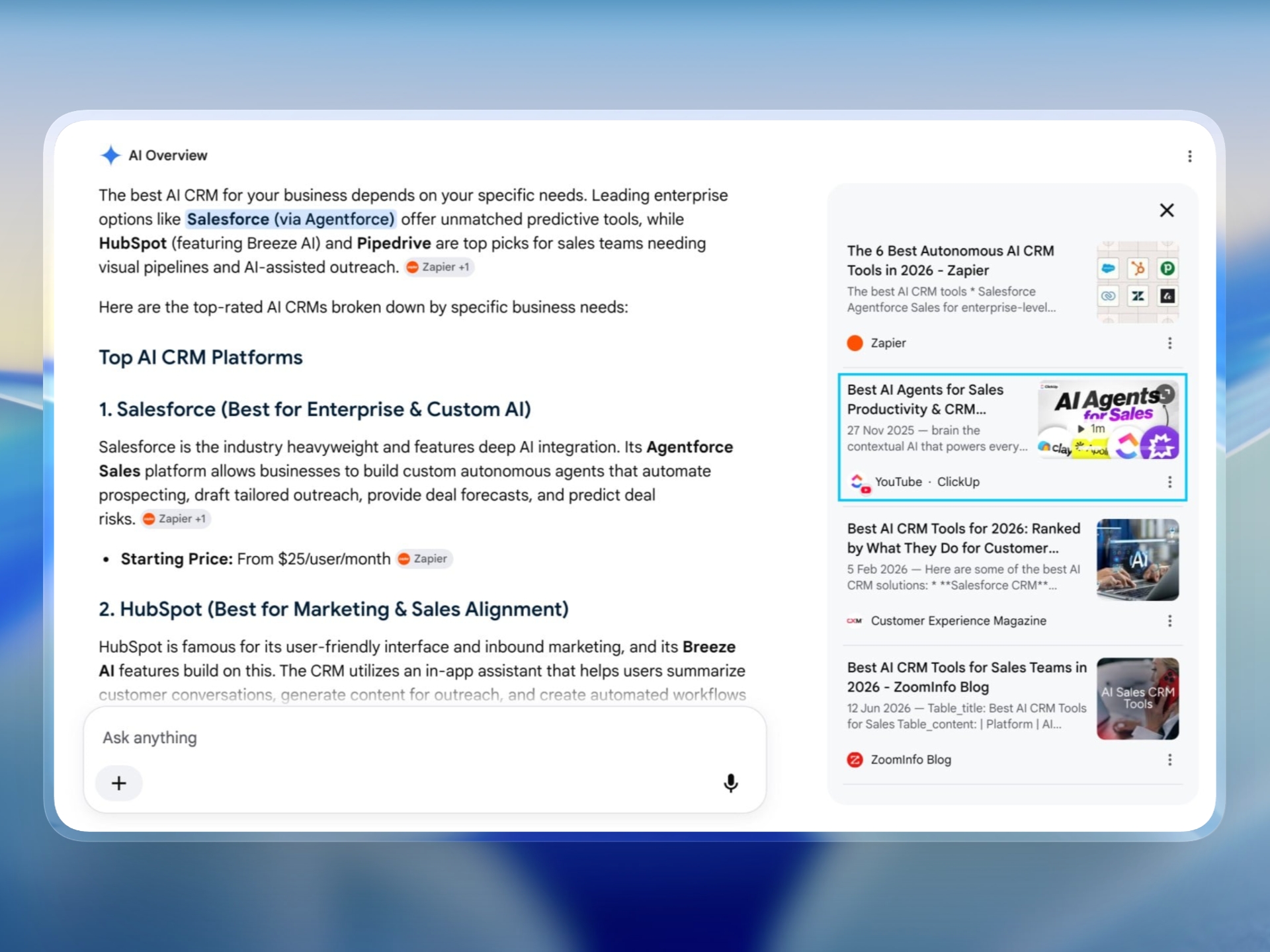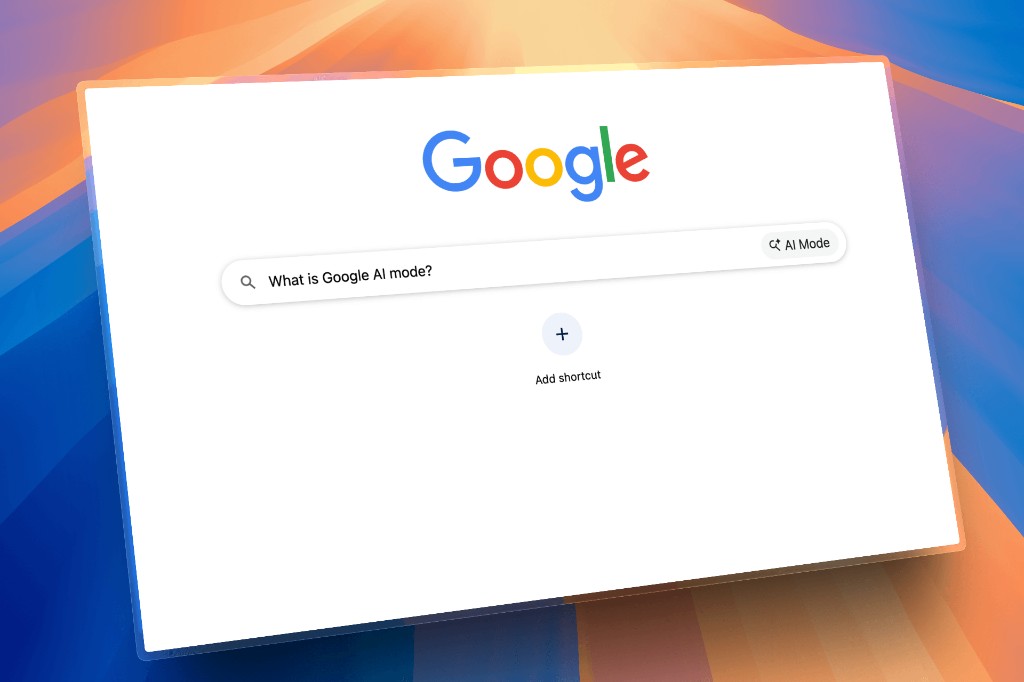
How do you check Google AI Mode for a brand mention? Open AI Mode, ask a buyer question you have saved word for word, and record whether your brand is named and which links AI Mode shows. Store that separately from the AI Overview on the normal Google results page. They can disagree.
If you only have an AI Overview playbook, you are measuring one surface and labeling it "Google AI." The Overview guide is still useful: how to check Google AI Overviews for brand mentions. This page is the other surface.
AI Mode and AI Overviews
| AI Overview | AI Mode | |
|---|---|---|
| Where you see it | Often on the regular results page, when Google decides to show one | In Google's AI Mode experience |
| What people call it | "The AI box on Google" | "I asked Google's AI" |
| What to log | Mention, cited links, organic position if you have one | Mention, cited links, date |
| Same prompt, same answer? | Not guaranteed | Not guaranteed |
Bloomiro stores them as different providers: Google AI Overview and Google AI Mode. Run both if your buyers use both. Do not collapse them into one cell in a spreadsheet.
Prompts to keep
- Tool to check if Google AI Mode mentions my company
- How do I see whether Google's AI recommends a competitor?
- Which sites does Google AI Mode cite for [your category]?
- Does AI Mode mention brands that the organic results do not?
The last one is the interesting test. We have a study on Overview citations versus organic rankings: 2,161 citations. AI Mode deserves the same skepticism. A link in the AI answer is not your average position in Search Console.
How to check it without lying to yourself
- Use a country and language you actually sell in. AI Mode answers move with location.
- Save the full answer, not a cropped screenshot of the brand name.
- Copy every cited domain.
- Mark your organic URL if you know it. Search Console is the source for impressions and position, not the AI panel.
- Repeat later. Weekly or every two weeks is enough. Cadence.
If AI Mode cites a competitor's comparison page, read that page before you write a new one. You may already have a comparison that needs a clearer first paragraph. New URLs are how sites split the impressions they already earned.
What a mention in AI Mode does not prove
It does not prove you will get clicks. It does not prove the Overview will match tomorrow. It does not replace the query report. Pair it with the SEO and AI workflow.
Some vendors sell AI Mode as an add-on. If you are comparing tools, read how to choose an AI search visibility tool and confirm engine add-ons on each vendor site.